Nilesat – Channel
Nilesat - Channel Search
Latest Channels
💡 Tip: Please type the channel name in English only.
Example: Al Jazeera or SBC
Example: Al Jazeera or SBC
📡 How to search for all Nilesat channels on a receiver:
- Press the Menu button on the remote control.
- Go to Installation settings or Channel settings.
- Select Satellite List.
- Choose Nilesat from the list.
- Select the Search Type, then choose:
- Blind Scan ← best option to get all channels
or - Auto Scan
- Blind Scan ← best option to get all channels
- Select All Channels.
- Press Start / Scan to begin searching.
- Wait until the receiver finishes downloading all Nilesat channels.
- Finally, press Save to store the channels.
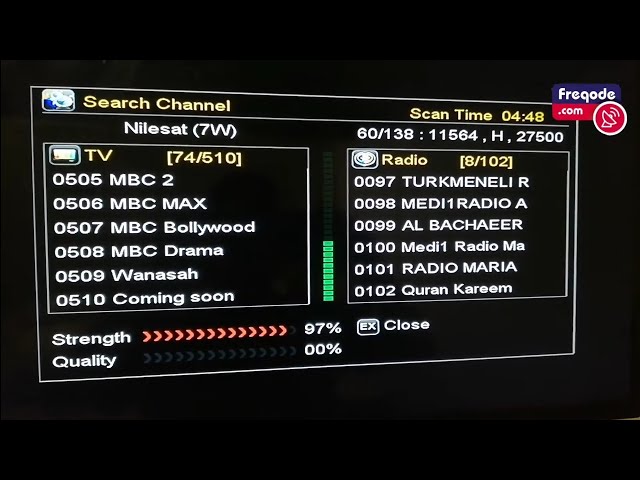
📺 Important note:
- Using Blind Scan is the best method because it automatically searches all frequencies and finds all new channels without entering any manual data.